I’m in love with our baby monitor . For the last 21 months of my son’s life, it’s been totally reliable and has given me peace of mind at each nap and bedtime.
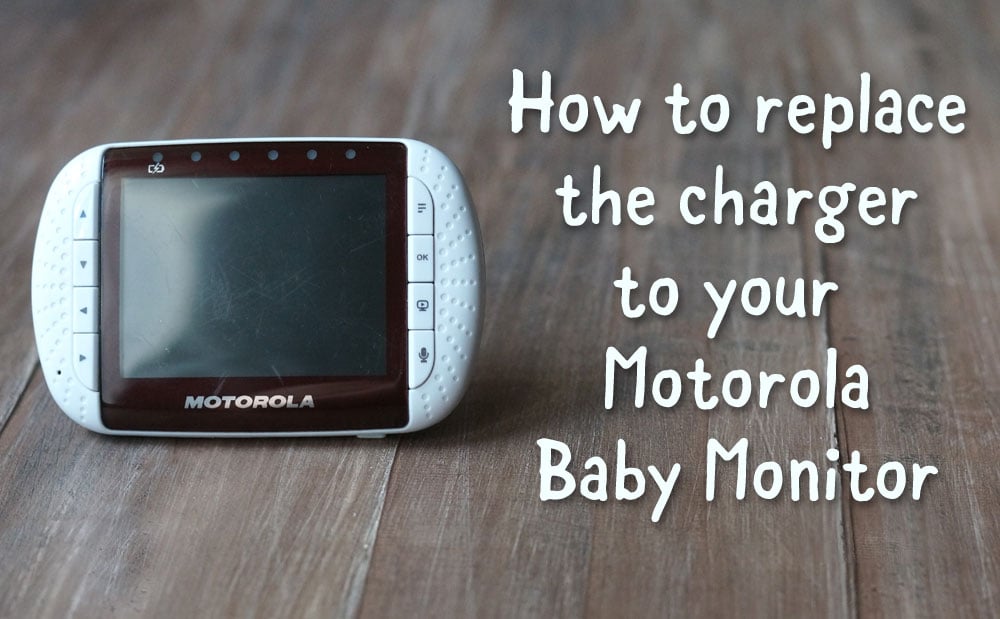
So you can imagine my surprise when my husband and I were awoken at 4:30am to the sound of our baby monitor alerting us that the battery was low– when it was still plugged into the charger! In our groggy, still-asleep state, we couldn’t figure out why our charger had stopped working, but once we finally woke up we immediately figured out the problem.
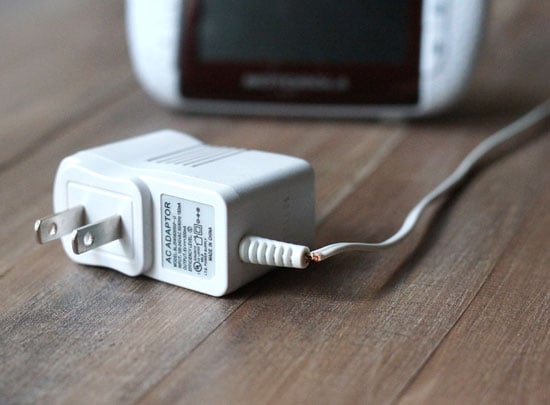
The power cord had frayed, probably from moving the charger back and forth for daily naps, to the point that it almost completely detached itself from the plug. I immediately started “googling” how to replace the charger, but I was surprised by the lack of information available on the Motorola website for ordering a replacement charger. Luckily, an employee at Radio Shack was able to help us out.
In case you’re not as lucky to find a helpful employee, I wanted to share the two items you’ll need to replace the charger for your own Motorola unit:
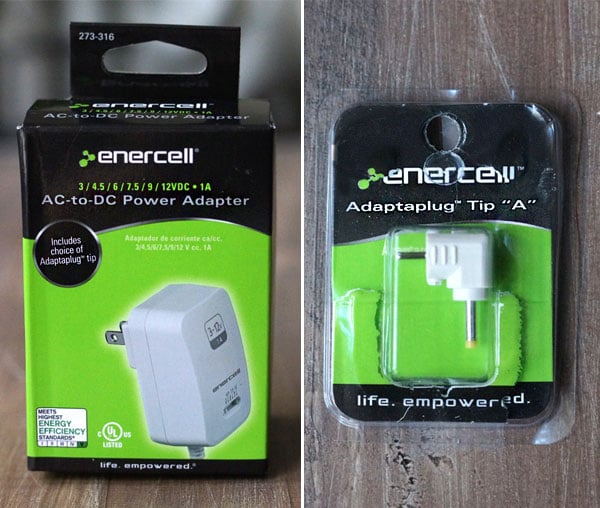
(You can print off the image above and bring it to your local store.)
- You’ll need an AC-to-DC Power Adapter that has a 6 volt output and 500mA supply. As you can see in the picture above, the adapter we found has a range of voltage output, including 6. It also has a 1A supply, which covers the need for the 500mA supply. (It’s okay if you go over the amount you need, you just can’t go under.)
- You’ll also need the Adapter Tip “A”. This is the tip that fits into the baby monitor– very important! It’s also FREE when you buy that adapter.
Once you have these two items, there are only two more important steps to charging your monitor.
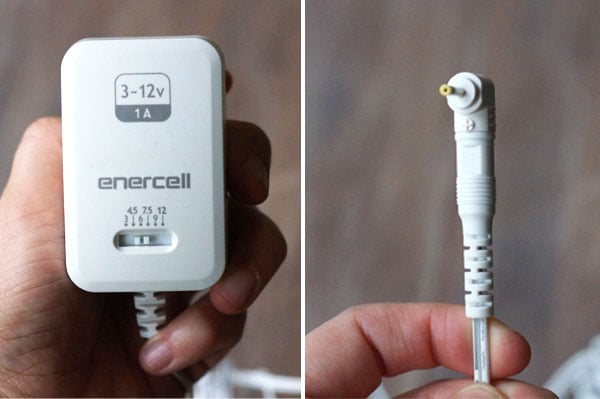
- You need to set the AC-to-DC adapter to the “6 volts” setting, using the slider on the front of the charger.
- You’ll also need to insert the adapter tip using the correct polarity needed for your monitor. Instructions for this are on the box for the charger, but I almost missed it. For the MBP36, the “+” sign needed to face towards the “tip” label on the charger cord, as pictured above.
That’s it! Overall, this fix cost us less than $20 and was available immediately, which is important when you’re used to watching your baby sleep whenever you want. I don’t know how my parents did it with only audio monitors.
I hope this will help any fellow parents who find themselves in the same situation!
